Cosine
Cosine
Section titled “Cosine”Browser Based IDE
https://cosine.sh/
https://x.com/CosineAI
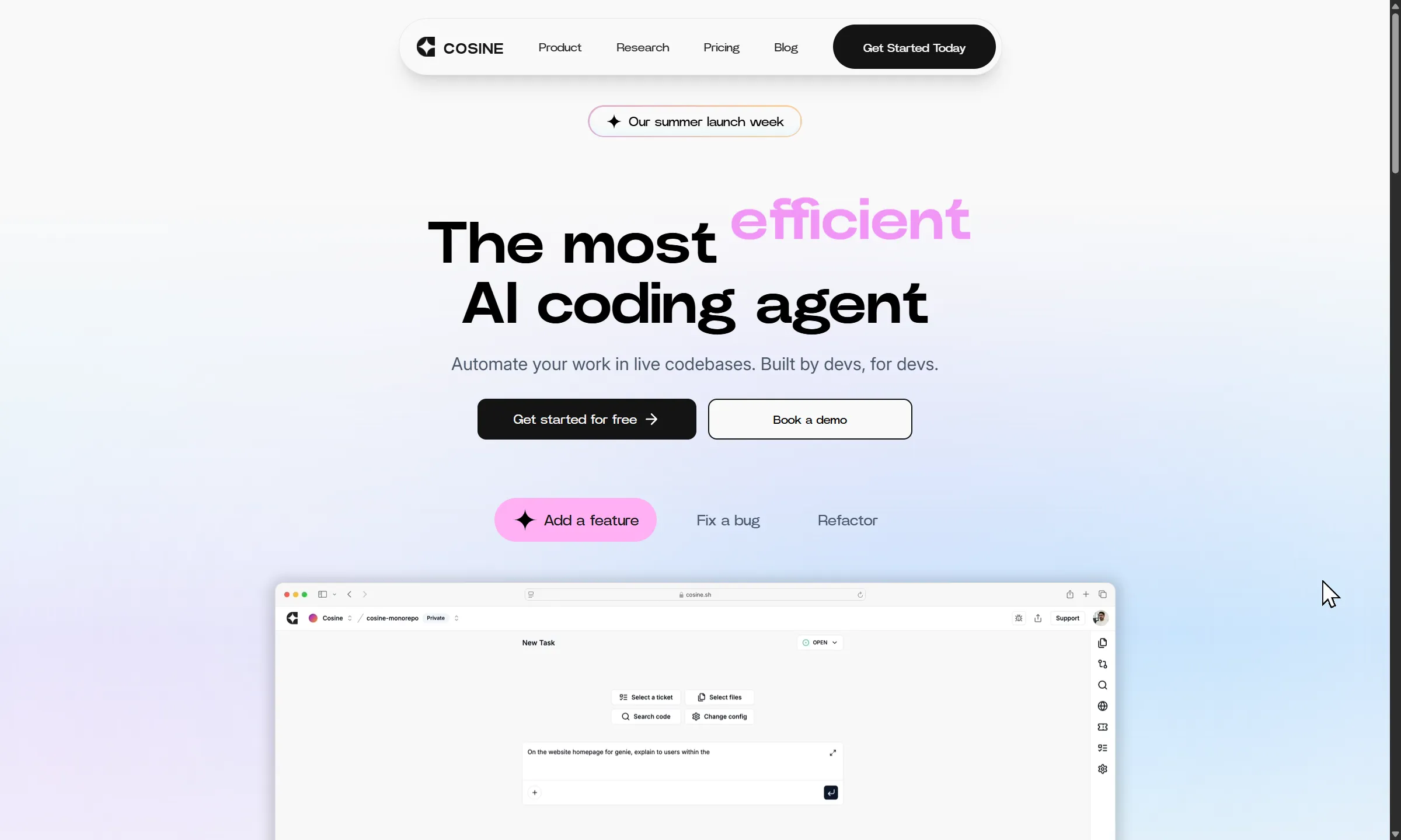
🧠 Key Unique Features of Cosine
Section titled “🧠 Key Unique Features of Cosine”- Autonomous Task Execution: Cosine can independently solve bugs, build features, and refactor code by analyzing your repo and submitting PRs without constant oversight.
- Ticket-Aware Engineering: Integrates with GitHub, Jira, and Linear to take tickets as input, reason through them, and propose code changes that align with your backlog.
- Human-Like Reasoning: Trained on real engineering workflows, Cosine mimics the thought process of a software engineer—scoring top marks on SWE benchmarks.
- Advanced IDE-Like Controls: Offers keyboard-driven commands, multi-cursor editing, and Git shortcuts for power users who want speed and precision.
- CI/CD Feedback Loop: Iterates on its own PRs based on CI results or reviewer feedback, refining solutions until they meet your standards.
🧩 Summary
Section titled “🧩 Summary”Cosine is an AI-powered software engineer designed to operate autonomously within your development workflow. Unlike traditional assistants that require constant prompting, Cosine can take a ticket from GitHub, Jira, or Linear, analyze your codebase, and propose a solution—whether it’s fixing a bug, building a feature, or refactoring logic. It clones your repo, reasons through the task, and submits a pull request for review. If CI/CD feedback or human input suggests changes, Cosine can iterate on its own work, refining the solution until it’s production-ready.
What sets Cosine apart is its human-like reasoning. It’s trained on real-world engineering workflows and has outperformed top tools like Amazon Q and Devin on SWE benchmarks. This makes it especially powerful for teams looking to scale without sacrificing code quality. Cosine doesn’t just generate code—it understands context, dependencies, and architectural patterns.
For power users, Cosine offers IDE-style controls: keyboard shortcuts, multi-cursor editing, and Git integration that keeps you in flow. You can configure branching strategies, merge settings, and even copy Git commands directly from its interface. It integrates seamlessly with your existing tools, requiring minimal setup to become a productive teammate.
Cosine operates asynchronously, allowing developers to stay focused on high-level problem-solving while it handles routine tasks in the background. Whether you’re managing a growing backlog or trying to accelerate delivery cycles, Cosine offers a scalable, intelligent solution that feels like adding a senior engineer to your team—one who never sleeps, never forgets, and always learns from feedback.
2026.09.08
Section titled “2026.09.08”Status: active — but it has evolved into something quite different. Still live at cosine.sh (© 2026), but it’s no longer just “an AI engineer that files PRs.” It’s now positioned as “the AI engineer for production software teams” built around its own coding model family called “Lumen.”
- Three surfaces now: Cosine CLI (brew install), a native Desktop app (multi-session, checkpoints), and Cosine Cloud (parallel remote agents) — “three surfaces, one agent runtime” (Apr 2026).
- New angle: “Sovereign AI.” It’s assembling a UK defence/infrastructure/financial/healthcare coalition for air-gapped, on-prem / dedicated-tenant deployments — i.e., enterprise + national-security positioning, not just a SaaS coding agent.
- Lumen is trained for maintainable/production code, “less AI slop,” and niche/enterprise languages (COBOL, Fortran, Verilog, Rust, complex SQL). Model family: Lumen Scout / Outpost / Sovereign.
- Model-agnostic too — can use ChatGPT/Claude subscriptions, plus an “Auto” model selector.