Claudia
Claudia
Section titled “Claudia”CLI Agent
x.com/getAsterisk
https://claudiacode.com/
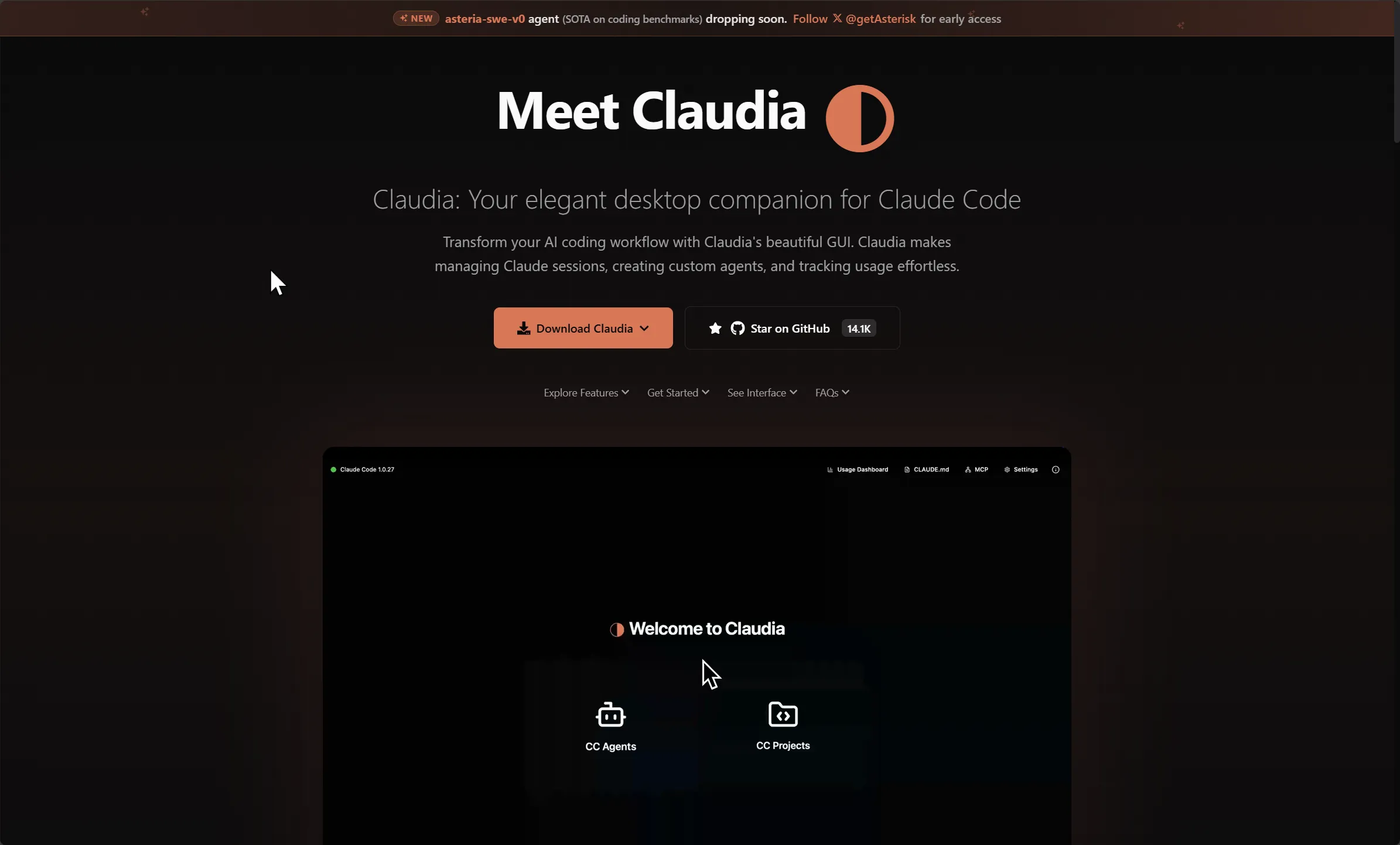
Claudia Desktop Companion for Claude Code
Section titled “Claudia Desktop Companion for Claude Code”Features
Section titled “Features”- Browse all your Claude Code projects and sessions in one beautiful interface.
- Create reusable agents with custom prompts and sandboxed execution.
- Monitor token usage, costs, and session analytics with built-in visualizations.
- Edit system prompts with syntax highlighting and live preview.
- Configure and manage Model Context Protocol (MCP) servers through a visual interface.
- Create checkpoints and branch conversations like Git for chats.
- Keep all your data local—no cloud dependencies or external tracking.
What makes Claudia unique?
Section titled “What makes Claudia unique?”Claudia stands out as a privacy-first, cross-platform desktop GUI that layers on top of the Claude Code CLI, transforming a command-line–driven AI development workflow into an intuitive visual experience. It bundles project and session management, custom agent creation, usage analytics, and conversational branching into one elegant interface—all while keeping your data on your machine.
2026.09.08
Section titled “2026.09.08”Status: rebranded — now “Opcode” (and effectively dormant). The name you have is outdated.
- Claudia was renamed to Opcode (opcode.sh / github.com/winfunc/opcode) in mid-2025. Both claudiacode.com and claudia.so now redirect to Opcode, same repo.
- It’s an open-source (Tauri 2) GUI for Claude Code; at its peak it was the most popular community Claude Code wrapper (~21k+ GitHub stars).
- Caveat: it appears unmaintained. The last release was ~Aug 31, 2025 and the devs haven’t shipped updates or answered issues since — so it likely lags behind Claude Code’s newer features/breaking changes.
- Naming confusion to watch: a separate “Claudia GUI” fork (getAsterisk/claudia) reappeared using the old name and is not the official continuation — people often mistake it for the real successor. If you want a maintained Claude Code desktop GUI in 2026, look at alternatives like Nimbalyst instead.